Launch demo video
launch-demo-videoRecords a scripted Playwright tour of your real app with captions, cursor and blurred private fields, then encodes and checks the files for YouTube, X, your landing page and Product Hunt.
Full description
Records a real launch demo of your running web app and exports it for each place it goes. A JSON storyboard drives Chromium through the actual flow (Playwright) with a visible pointer, captions, highlights, blurred personal data and analytics blocked. Speed-up and cut marks are applied with ffmpeg, title and end cards are added, and the result is exported as a YouTube upload (also the Product Hunt video), an X post (720p, constant 5 Mbps, landscape, square or portrait), a muted landing-page MP4 and WebM with a poster, Product Hunt gallery stills and a GIF under 3 MB, plus an SRT file. A checker compares every file with the platforms' published limits and fails on blank stretches. Ships 13 offline tests and an end-to-end run on a bundled sample site. Use when the user wants a product demo video, a launch or Product Hunt video, an X/Twitter demo clip, a hero video for the landing page, or gallery screenshots.
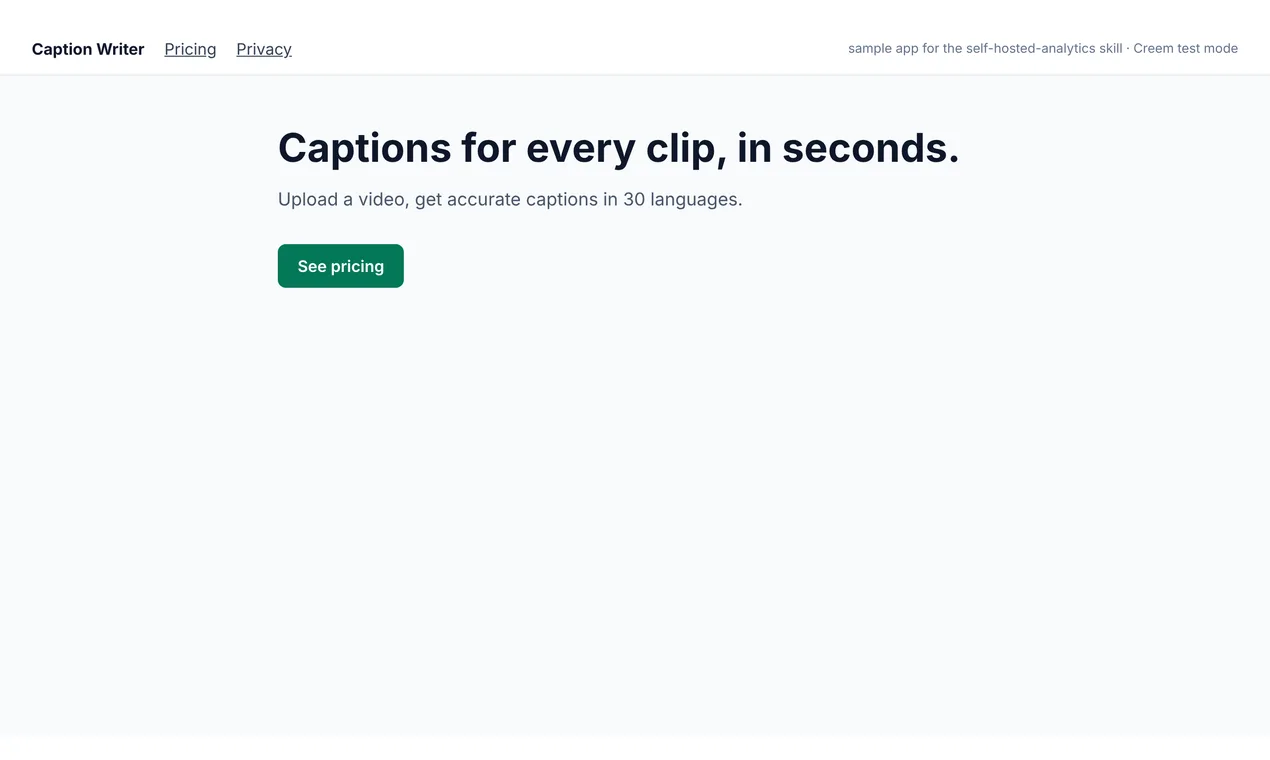
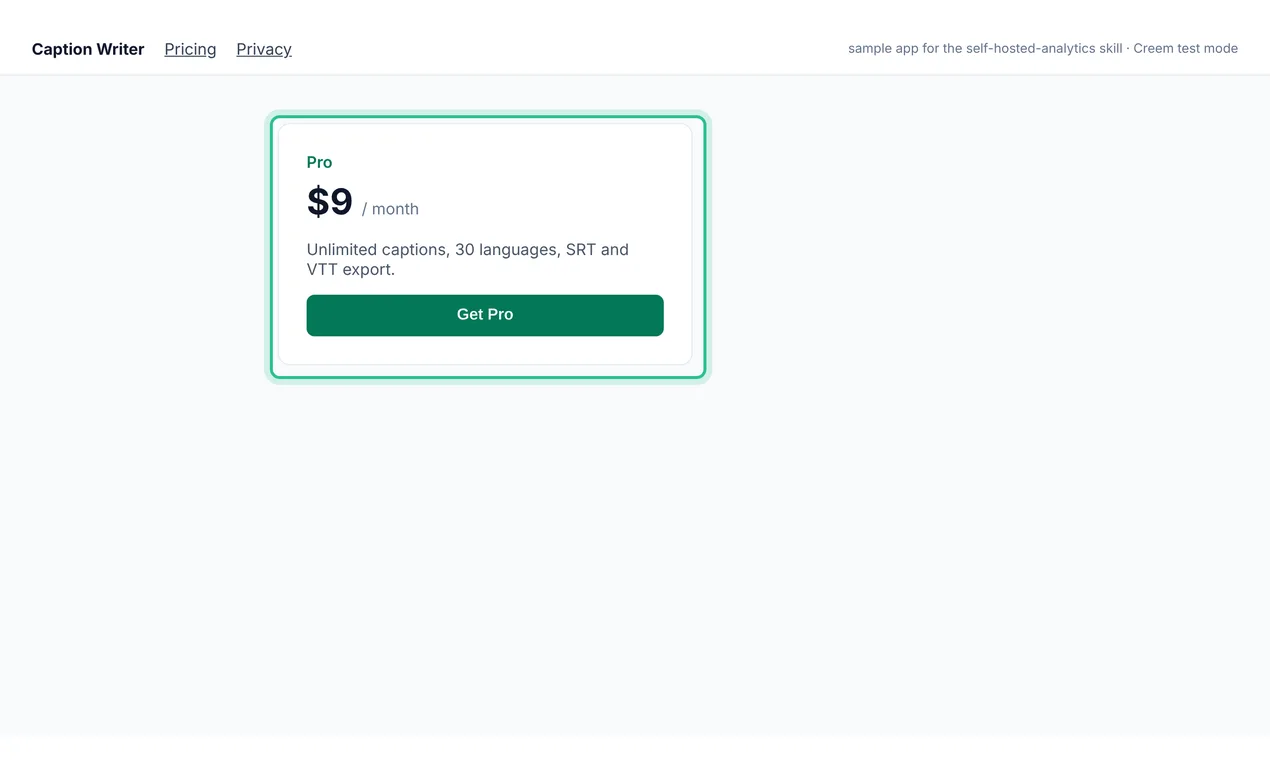
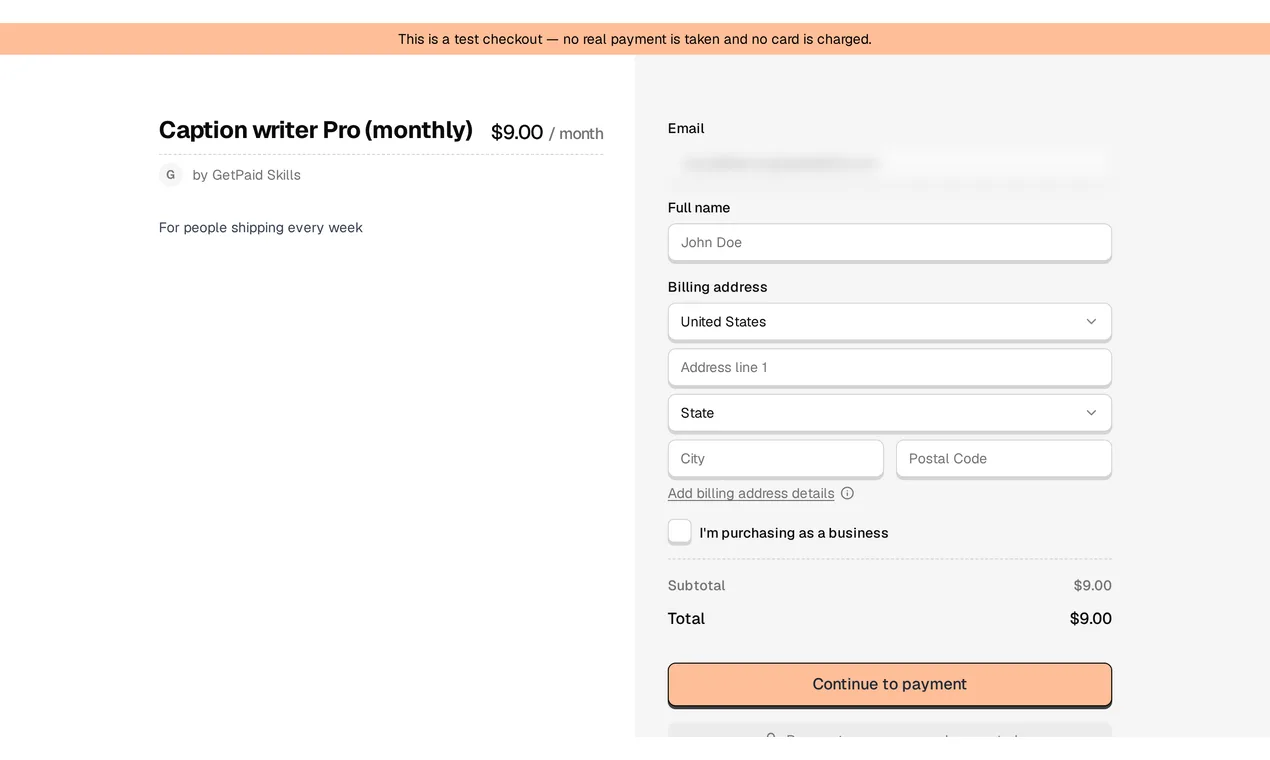
A real run on a sample Next.js app (Caption Writer) in Creem test mode. Waits in the terminal are cut; the second clip is the youtube.mp4 that run produced. · Recorded 2026-11-03
- 1selftest.mjs: 13 tests pass, including a real ffmpeg encode and a blank-start failure
- 2record_tour.mjs plays the storyboard: 15 steps, 3 captions, 3 screenshots, 3 analytics requests blocked
- 3The tour goes home, pricing, Get Pro, then the Creem test checkout; the email field is blurred and the checkout loading time is cut
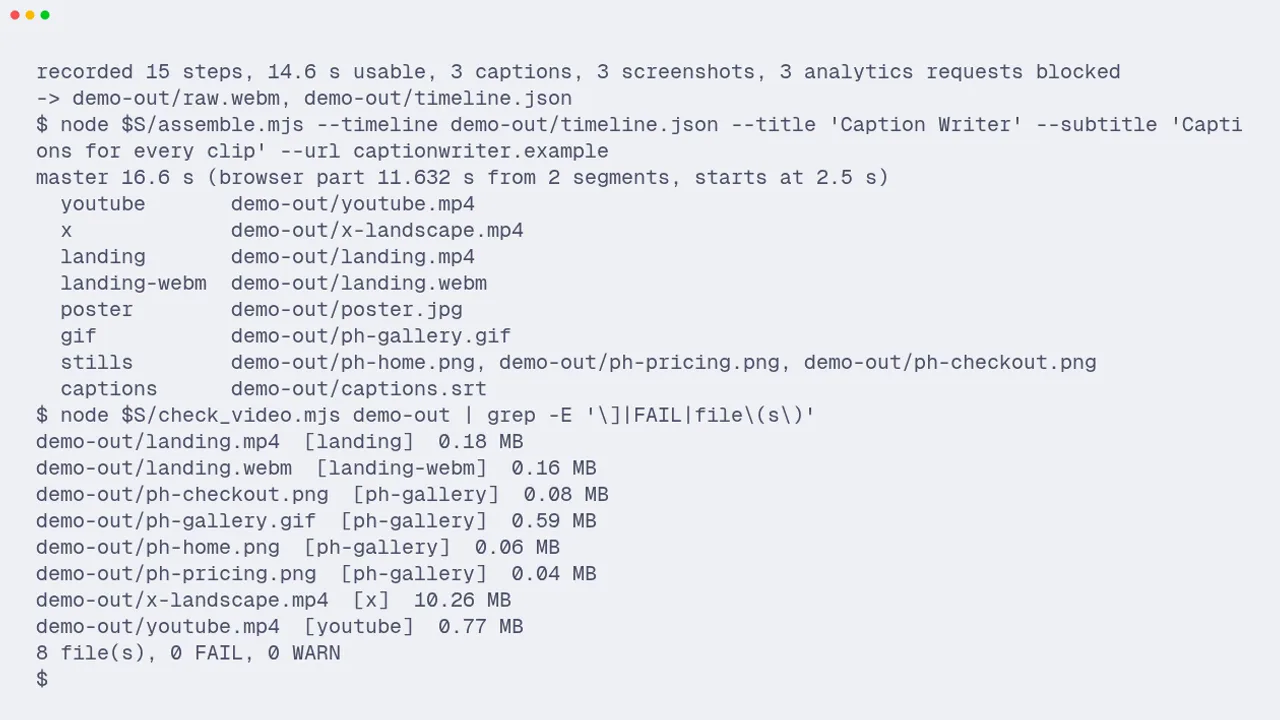
- 4assemble.mjs adds title and end cards and writes a 16.6 s master plus the YouTube, X, landing, poster, GIF and still files
- 5check_video.mjs: 8 files, 0 FAIL, 0 WARN
Previews
What it does
Records a scripted Playwright tour of your real app with captions, cursor and blurred private fields, then encodes and checks the files for YouTube, X, your landing page and Product Hunt.
- A storyboard JSON drives the tour: goto, click, fill, scroll, highlight, caption, screenshot, wait, cut and resume. It is checked before recording, and secret-looking values are refused
- Draws a visible cursor with click ripples, a caption bar and highlight rings; masks fields such as email with a blur, hides dev badges and blocks analytics requests so the recording does not count as a visit
- A sync frame lines up the browser timeline with the video, so cuts and captions land on the right frame; the SRT file matches the final video
- One master becomes youtube.mp4 (H.264 High, closed GOP, faststart), x-landscape.mp4 (5 Mbps CBR, as X recommends), landing.mp4 and .webm with no audio, poster.jpg, a Product Hunt GIF under 3 MB and 1270x760 stills
- check_video.mjs reads each file with ffprobe and its MP4 boxes, checks it against the platform rules it was made for, and catches black, white and frozen stretches; any FAIL exits 1
- Platform specs from X, YouTube and Product Hunt docs read on 2026-11-03, a shot-list guide with honesty rules, a sample site with an end-to-end test and 13 offline tests
Use the launch-demo-video skill to record a 30-second tour of my app at localhost:3000: home, pricing, then the Creem test checkout, with captions, and make files for YouTube, X and Product Hunt.Full instructions are included with purchase
This is a paid skill. Buy it on its own or get every skill with a plan. Buyers download it from this page or their account.
Outline
- 01When to use / when not to
- 02What you get
- 03Steps
- 04Rules
- 05Done when
- 06Troubleshooting
What's inside
19 files: SKILL.md, 7 scripts, 3 references, 8 templates and assets.
- SKILL.md7.6 KB
assets/(8)7.1 KB
cards/(1)775 B
- card.html775 B
sample-site/(5)4.7 KB
- app.html920 B
- index.html893 B
- pricing.html1019 B
- signup.html765 B
- style.css1.2 KB
- storyboard.example.json1.1 KB
- terminal.tape.example589 B
references/(3)10.1 KB
- platform-specs.md4.2 KB
- shot-list.md2.1 KB
- storyboard.md3.8 KB
scripts/(7)58.2 KB
- assemble.mjs10.1 KB
- check_video.mjs4.1 KB
- e2e_sample.sh1.6 KB
- record_tour.mjs13.8 KB
- selftest.mjs10.0 KB
- serve_static.mjs988 B
- video-core.mjs17.6 KB
Questions
What does Launch demo video do?
Records a scripted Playwright tour of your real app with captions, cursor and blurred private fields, then encodes and checks the files for YouTube, X, your landing page and Product Hunt.
Which agents does it work with?
Claude Code, Codex, Cursor and any other agent that reads the Agent Skills format (a folder with SKILL.md). Paste the install prompt into your agent, or unzip the folder into its skills directory.
What is in the download?
19 files: SKILL.md, 7 scripts, 3 references, 8 templates and assets.
How much is it?
$6.99 one-time on its own, with 12 months of updates. Yearly and lifetime plans include every paid skill.
Can I get a refund?
A first payment can be refunded in full within 14 days if no paid skill was downloaded. After a download, no refund unless a skill is defective and we can't fix it.
How do updates work?
One-time purchases get 12 months of updates; yearly and lifetime get updates while active. Download again from this page or your account. Current version: 1.0.0.